Browser
The browser version makes the same charts as the desktop app, inside the page. Nothing is uploaded: the song you pick is read on your device.
Start
- Open it. On autochart.org, press Open in browser.
- Pick a song. Choose an audio or video file, or drop a song, a Clone Hero song folder, a
.sngor a.zipanywhere on the page. - Generate. The model downloads the first time (about 500 MB), then the chart is written right in the tab.
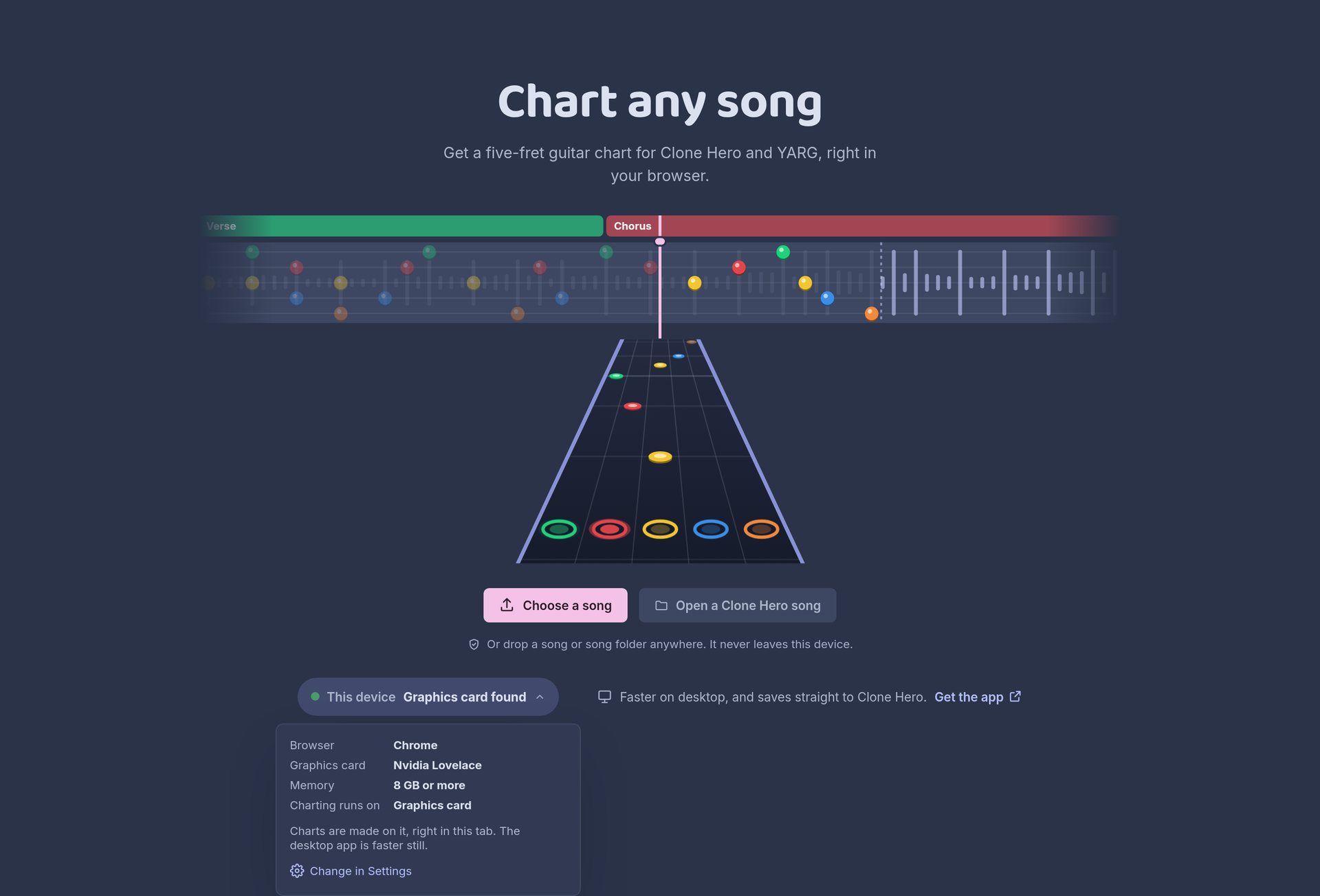
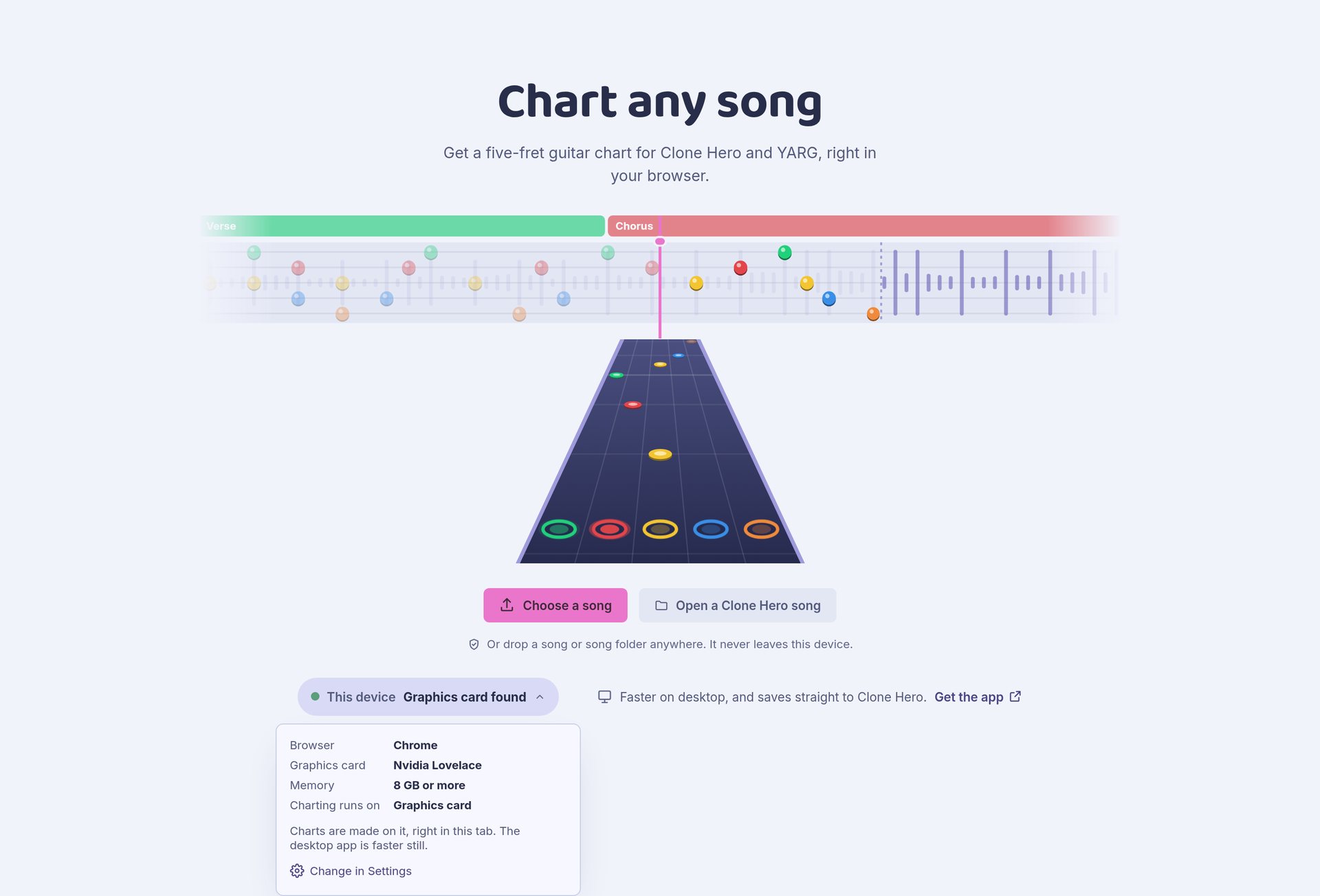
The Start page shows what it found on your device, such as your graphics card and memory, and warns you about anything that will make it slow.
Which browser
Charting is fast when the browser can reach your graphics card (through WebGPU), and slow when it falls back to the processor.
| Browser | Graphics card | Notes |
|---|---|---|
| Chrome, Edge | Yes | The best choice. |
| Firefox | Off by default | Turn it on in about:config by setting dom.webgpu.enabled to true. Some steps still run slower than in Chrome. |
| Safari | Recent versions | If it can't reach the graphics card, updating Safari may fix it. |
The desktop app is faster than any browser. If your computer is supported, it's the better way to chart many songs.
One song at a time
The browser holds one song. Opening another one closes it, and closing the tab loses anything you haven't exported. Autochart asks before either happens.
Everything else works as in the app: Generate, takes, Inpaint and editing. There's no Library or queue, and no Fretformer 1.
Saving your chart
| Button | What it does |
|---|---|
| Export | Downloads the song as one .sng file, or a .zip of the song folder. Pick which in Settings → Export. |
| Save to Clone Hero / YARG | Saves straight into your songs folder, in browsers that can write to folders (Chrome and Edge). |
A .sng goes straight into your Clone Hero or YARG songs folder. A .zip unzips into a song folder you can edit by hand.
Every export carries the whole project. Drop the .sng or .zip back on the page later and the song opens with all its takes.
Without FFmpeg in the browser, audio the games can't read is saved as WAV, and video backgrounds are copied as they are. The desktop app converts both.
What stays in the browser
Models stay in the browser's storage, so they download only once. The separated stems of the open song are kept too. Settings → Models shows how much is stored, and Remove all clears it. Your songs and charts are never uploaded.
Phones and tablets
Charting works on phones and tablets, but slowly. With 2 GB of memory or less, or without graphics card access, new projects start with Fretformer 2 Lite, which skips stem separation.
Long songs can run out of memory on small devices. Close other tabs and apps first.