Generate
Generate writes a new take of the song's chart. Every take comes out different, even with the same settings, so it's worth making two or three and keeping the best.
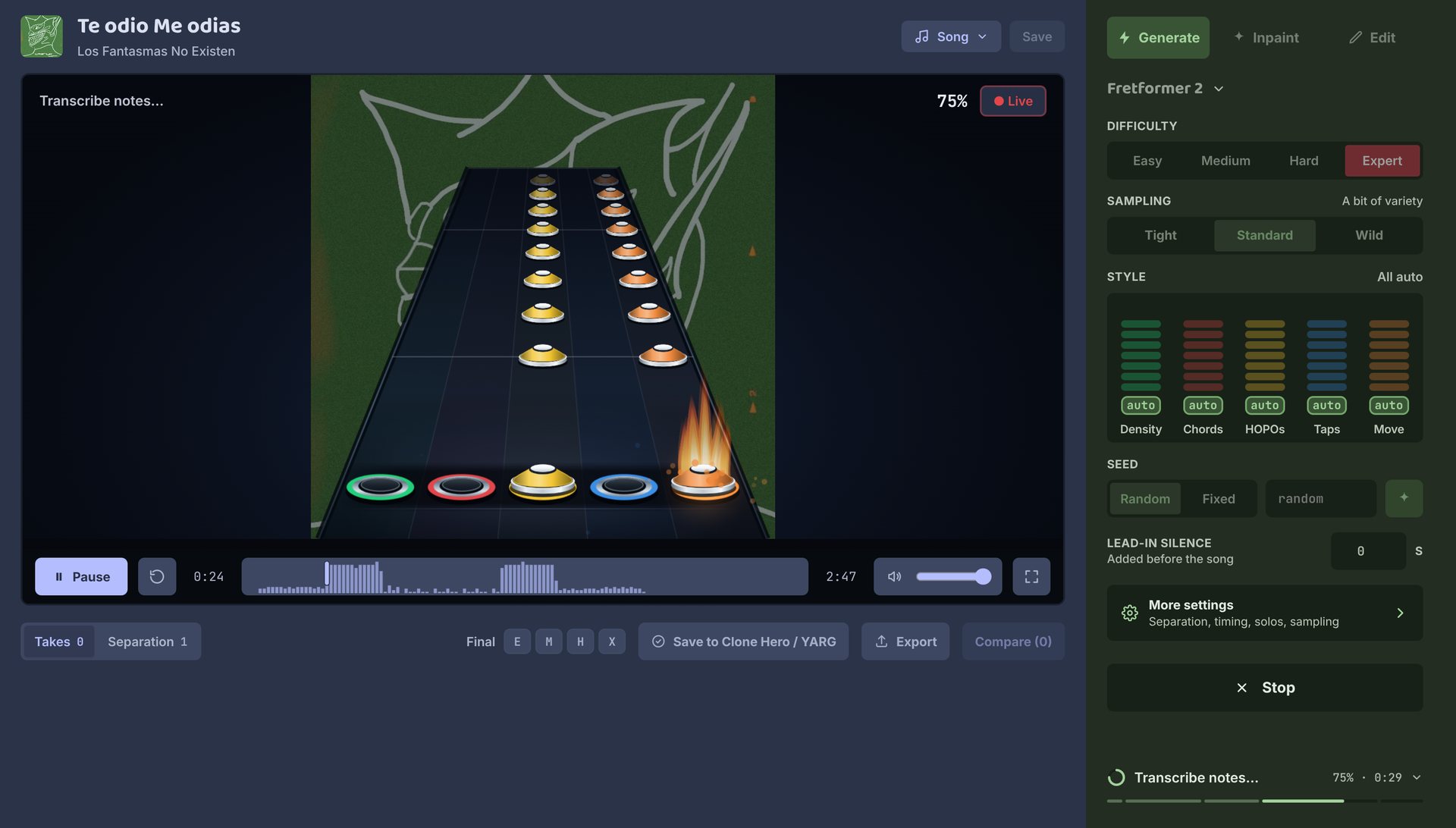
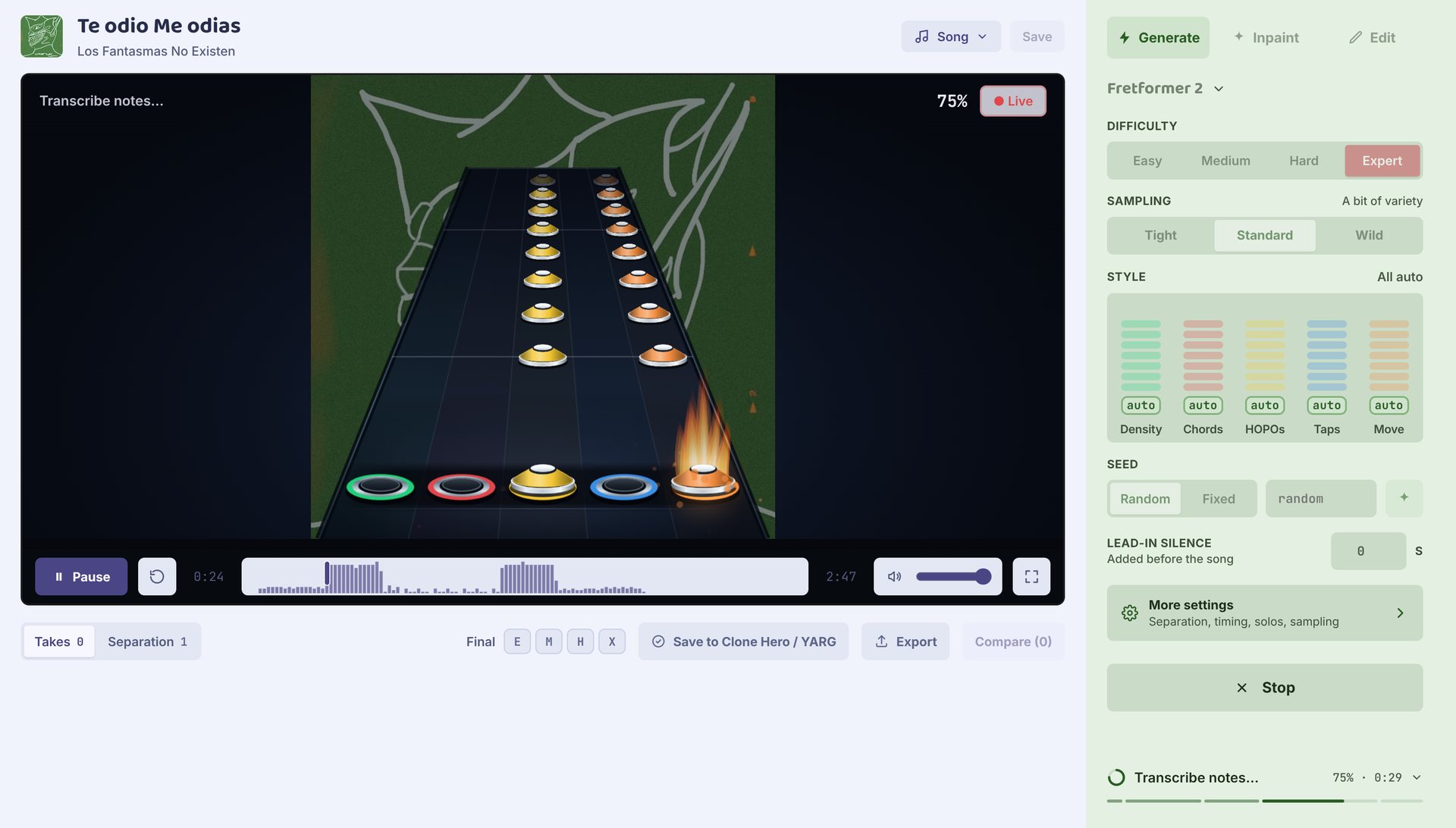
Start
- Open a project and stay on the Generate tab.
- Pick a difficulty. Leave the rest as it is for your first take.
- Press Generate chart.
The take shows up under the highway when it's done. See Takes for what to do next.
While it runs
A song goes through three steps. The first two only run once per song; later takes reuse them and start much sooner.
| Step | What you see |
|---|---|
| Separating stems | The song's vocals, guitar, bass and drums come apart on the board. |
| Detect timing | The beats are found and marked across the song. |
| Transcribe notes | Notes appear on the highway as they're written. |
You can listen while it writes. Once notes start appearing, press Play (or Space) to hear the song from the top with the notes written so far. More notes arrive as it plays, so you can tell early if a take is worth keeping, and playback carries on when the take finishes. Live goes back to watching.
Stop cancels the take. You can go to another project or the Library meanwhile; the take keeps going.
Difficulty
Easy, Medium, Hard or Expert. Default: Expert. The difficulty guides the model rather than following strict rules, so check chord sizes and fast runs on lower difficulties before giving a chart to a new player. Expert is the strongest; lower difficulties are rougher for now.
Sampling
How adventurous the model is when it picks each note.
| Setting | What it does |
|---|---|
| Tight | Plays it safe. |
| Standard | A bit of variety. The default. |
| Wild | Riskier, more surprising. |
For finer control, set the temperature in More settings.
Style
Five faders nudge the chart's feel. Each starts on auto, which lets the model choose. Click a step on a fader to set it; the auto spot at the bottom lets go again.
| Fader | Low | High |
|---|---|---|
| Density | Sparse, fewer notes per second | Dense |
| Chords | Single notes | More chords |
| HOPOs | Strums | More hammer-ons and pull-offs |
| Taps | No taps | More taps |
| Move | Stays in a narrow fret range | Travels wide across the frets |
The faders nudge, they don't dictate: expect a lean, not a different chart. They're experimental, and leaving them on auto is fine. Fretformer 1 has no style controls.
Seed
Random (the default) gives every take a new seed. Fixed reuses one, so the same song and settings give the same take again. Each take shows its seed, and Use settings on a take loads it back.
Lead-in silence
Seconds of silence added before the song. Default: 0. If an instrument comes in right at 0:00, a second or two often gives a cleaner opening. It changes the exported audio too, not only the preview, and separates the song again for that length.
More settings
Open More settings at the bottom of the panel. Reset puts everything back.
| Setting | Default | What it does |
|---|---|---|
| Audio separation | Standard Demucs | Which separated stems new takes use. If a chart misses parts, try another separation. See Separation. |
| Beat map | Found from the audio | Where the timing comes from. Songs with a chart start on Imported chart sync. |
| Smoothing | On | Steadies the beat spacing. |
| Mark solos | On | Marks solo sections where the model hears one. Fretformer 2 only. |
| Force a solo | Off | If the model marked no solo, starts one where it came closest and charts the rest of the song again from there. Takes longer, and can be less convincing than one the model found. |
| Temperature | 0.95 | Higher is more varied, lower is safer. Picking Tight, Standard or Wild sets it. |
| Style strength | 2 | How hard the style faders push. Needs at least one fader off auto. |
Existing charts
To add difficulties to a chart you already have, bring in its song folder (with its notes.chart) and generate the ones it's missing. The beat map starts on Imported chart sync, which keeps the original chart's tempo map, so the new parts line up with it. Leave it on that.
The new difficulty is written from the audio, not cut down from the original Expert. The original difficulties stay in the project, and you choose which ones go in the final chart.
Limits
- Very long or fast songs can hit the model's limit, and the last part may come out empty. Check the ending.
- Timing can land on the wrong pulse or miss a tempo change. Try lead-in silence or another take.
- The highway is a preview. You only know how a chart plays in Clone Hero or YARG.