Install
Download the app for your system from the download page. It needs no account and no Python, and once the model is downloaded it works offline.
Systems
| System | File | Notes |
|---|---|---|
| Windows (x64) | .exe installer | Or the portable .zip |
| macOS (Apple Silicon) | .dmg | M1 and newer |
| Linux (x64) | .AppImage | One file, nothing to install |
Intel Macs, and ARM versions of Windows and Linux, aren't supported. On those, use the browser version.
The app isn't signed by Microsoft or Apple yet, so your system warns you the first time you open it. The steps below get past that.
Windows
- Run the
.exeinstaller. - If Windows says "Windows protected your PC", click More info, then Run anyway.
Using the portable .zip? Extract the whole folder first, then open Autochart.exe inside it. On a work computer, or with Smart App Control on, Windows may not offer Run anyway.
macOS
- Open the
.dmgand drag Autochart into Applications. - Open it from Applications.
- If macOS says it can't be opened, go to System Settings → Privacy & Security, scroll down and click Open Anyway.
Linux
- Make the AppImage executable, in its file properties or with
chmod +x Autochart-*.AppImage. - Open it.
If it complains about FUSE, run it with ./Autochart-*.AppImage --appimage-extract-and-run, or install your distribution's FUSE 2 package.
First start
The first screen downloads Fretformer 2, the model that writes your charts. It's about 950 MB and takes about 1.2 GB on disk. Change location puts it somewhere else, such as a bigger drive.
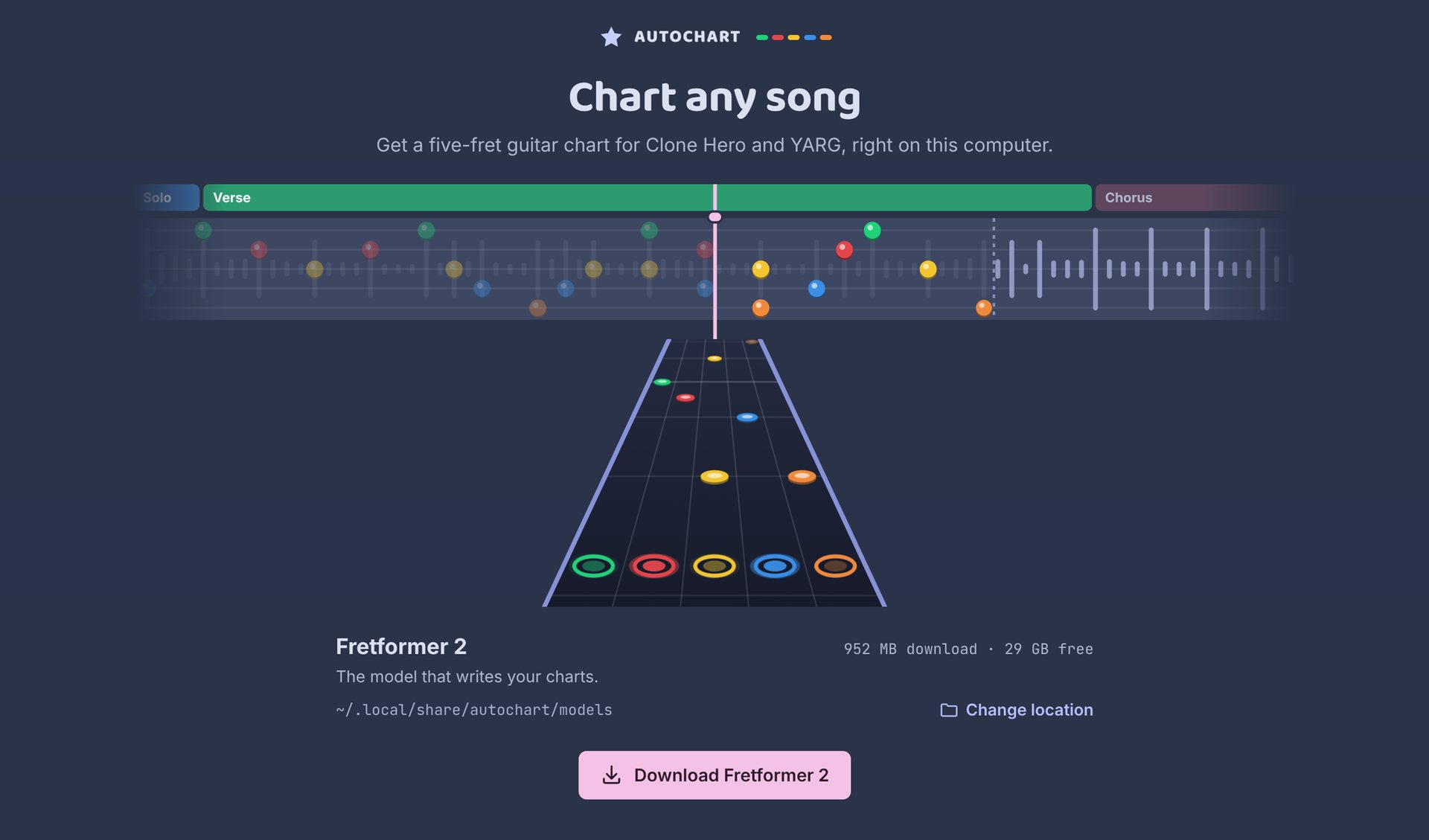
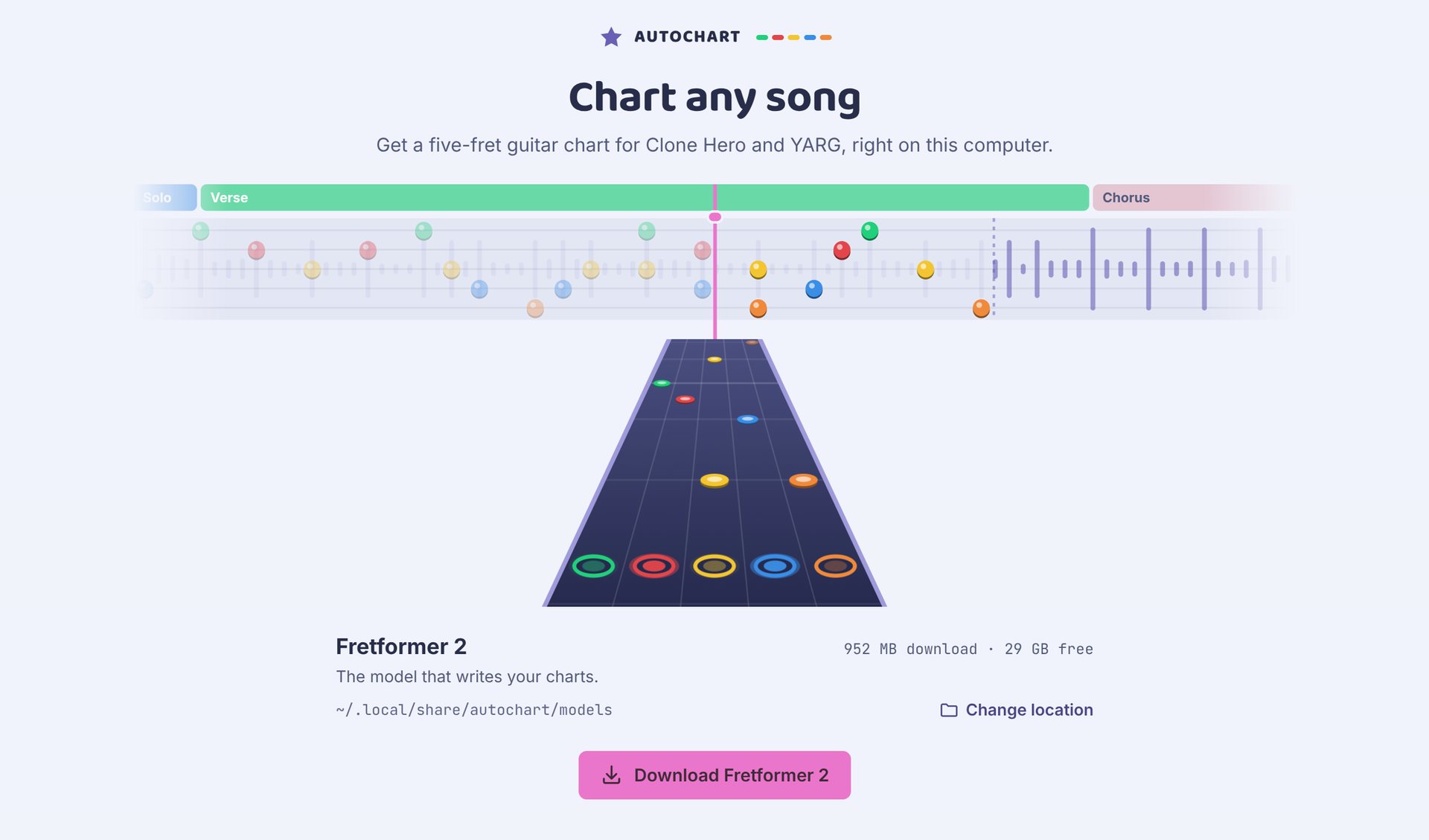
If the download stops, press Try again: files that already finished are kept. Then press Start charting. The other models are optional, in Settings → Models.
Hardware is picked for you: Autochart tries your graphics card and falls back to the processor. See Hardware.
Checking a download
Each release on GitHub has a SHA256SUMS.txt. Get your file's checksum and compare it with the line for that file:
| System | Command |
|---|---|
| Windows | Get-FileHash .\Autochart-*.exe (PowerShell) |
| macOS | shasum -a 256 Autochart-*.dmg |
| Linux | sha256sum Autochart-*.AppImage |
Updating later? See Updates.