Library
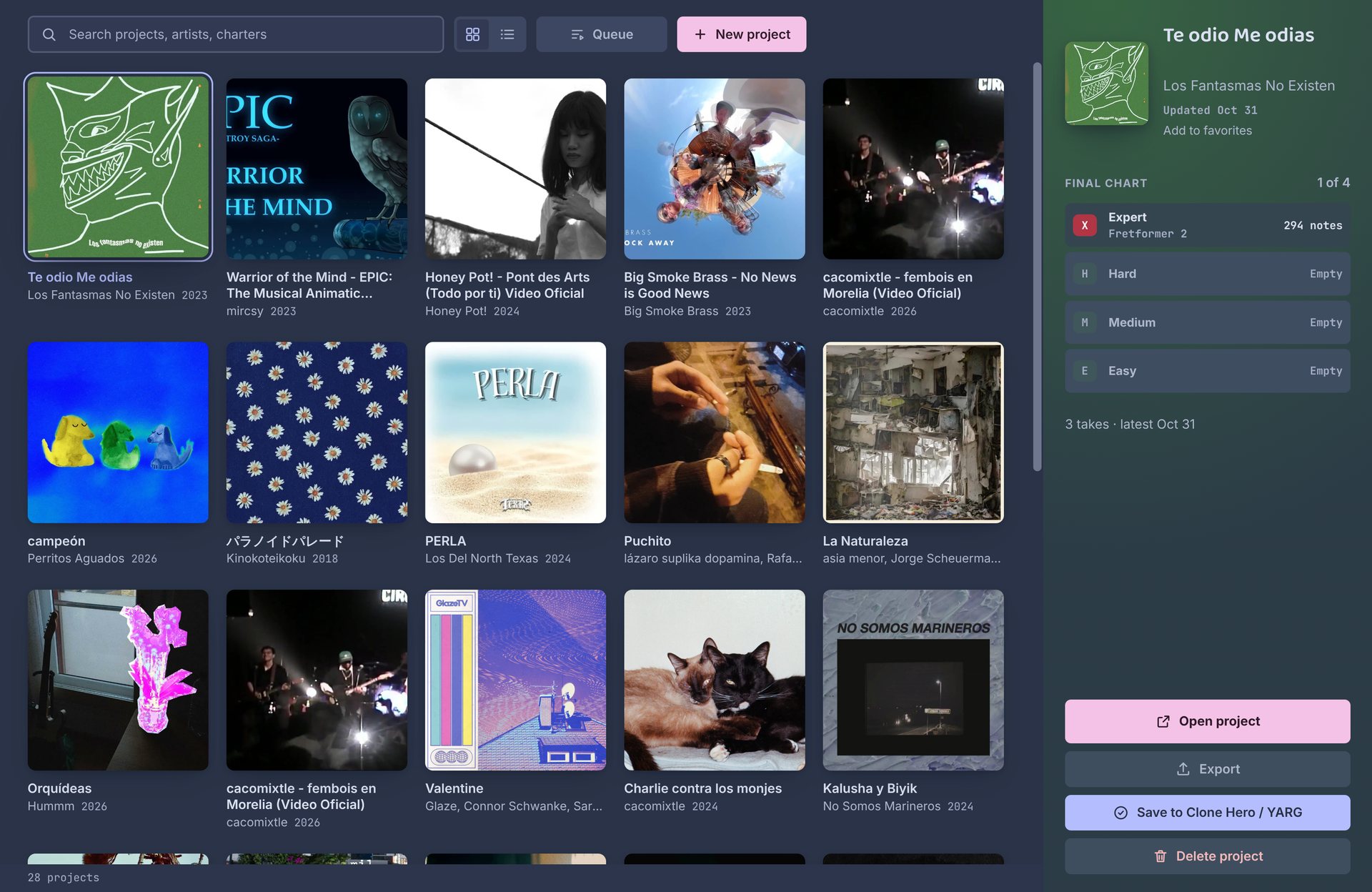
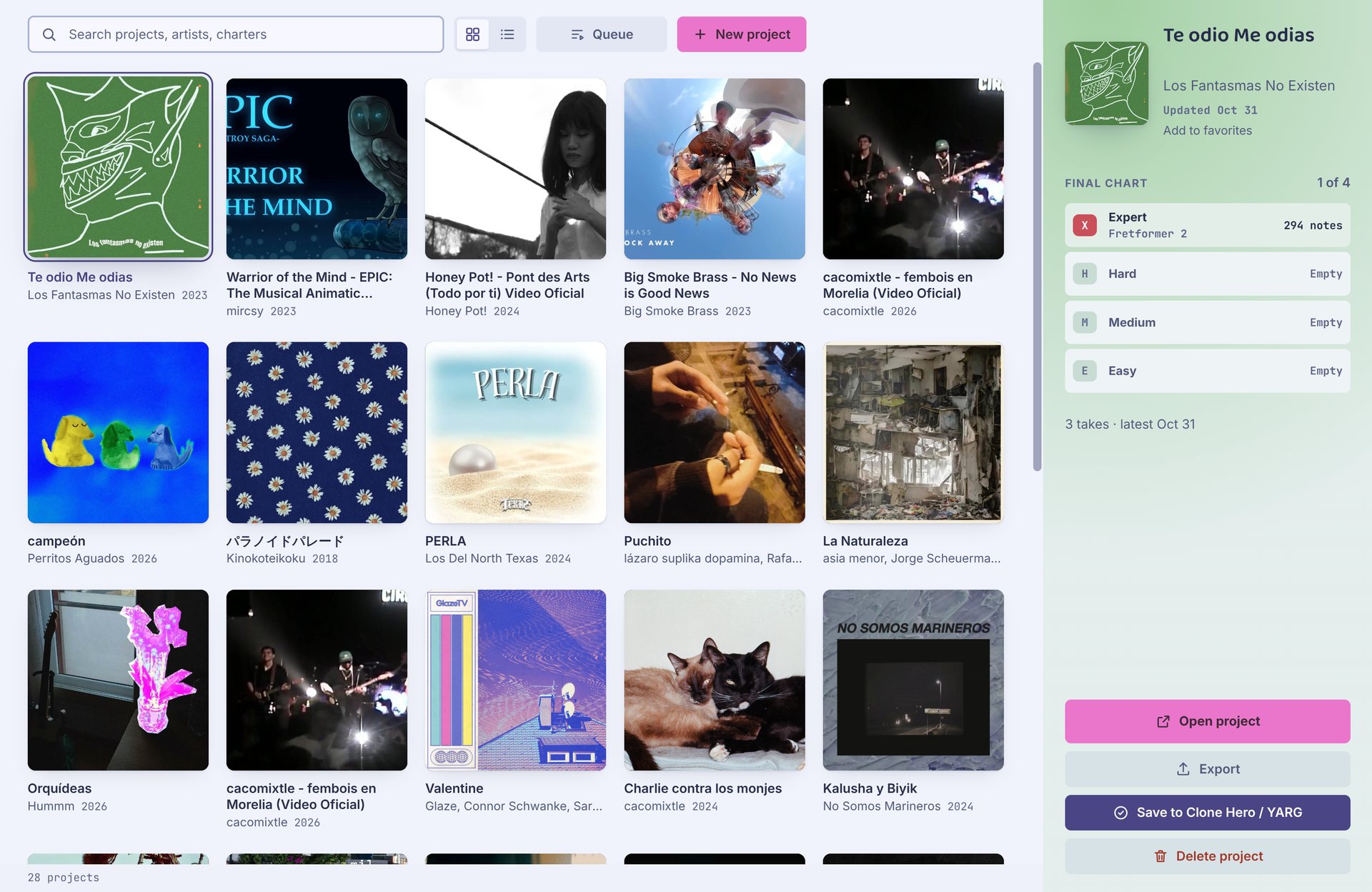
The Library holds every song you've brought into the desktop app. Each one is a project with its takes, final chart and background. The browser version has no Library: it works on one song at a time.
Adding songs
| What you add | What you get |
|---|---|
| An audio or video file | A new project. Video files also become the highway background. |
| A Clone Hero song folder | A project with the song's audio, art and existing chart. It needs a notes.chart and the audio. |
| A folder of song folders | One project per song inside, such as your whole songs folder. |
A .sng or .zip | The songs packed inside. An Autochart export comes back with all its takes. |
Drop them anywhere on the Library, or use New project. Imported the wrong folder? Undo (Ctrl Z) right after removes the projects it made.
Songs that only have a notes.mid can't be opened yet.
Projects
Click a song to see its takes and final chart, then Open project to work on it. From the side panel you can also export the final chart or save it to your songs folder.
Songs without album art get a cover of their own, drawn from the title and artist. Star a song to add it to Favorites.
Delete project moves the project's folder to the Trash, so you can still get it back from there. Projects live in the Projects folder, set in Settings → Folders.
Queue
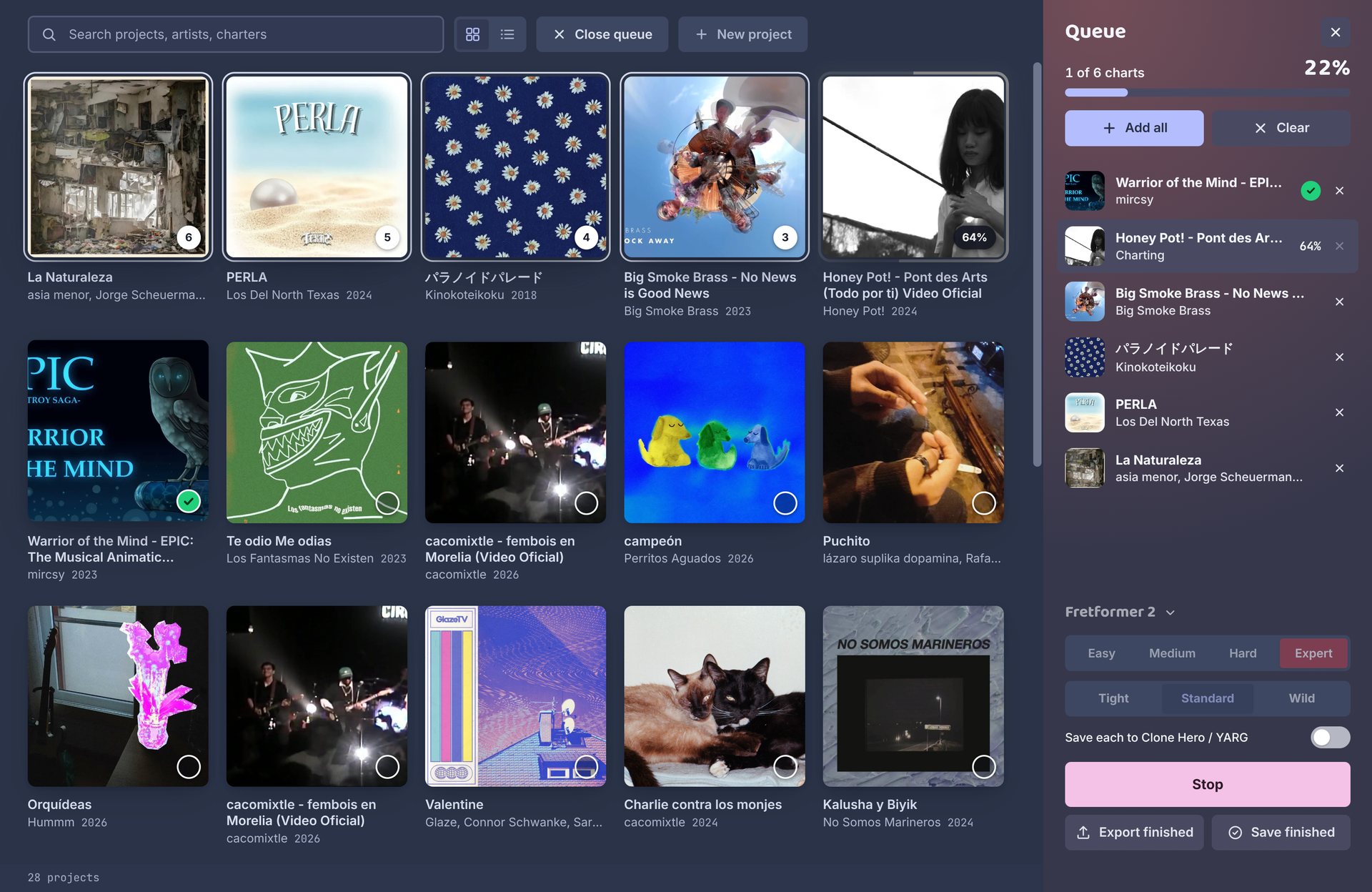
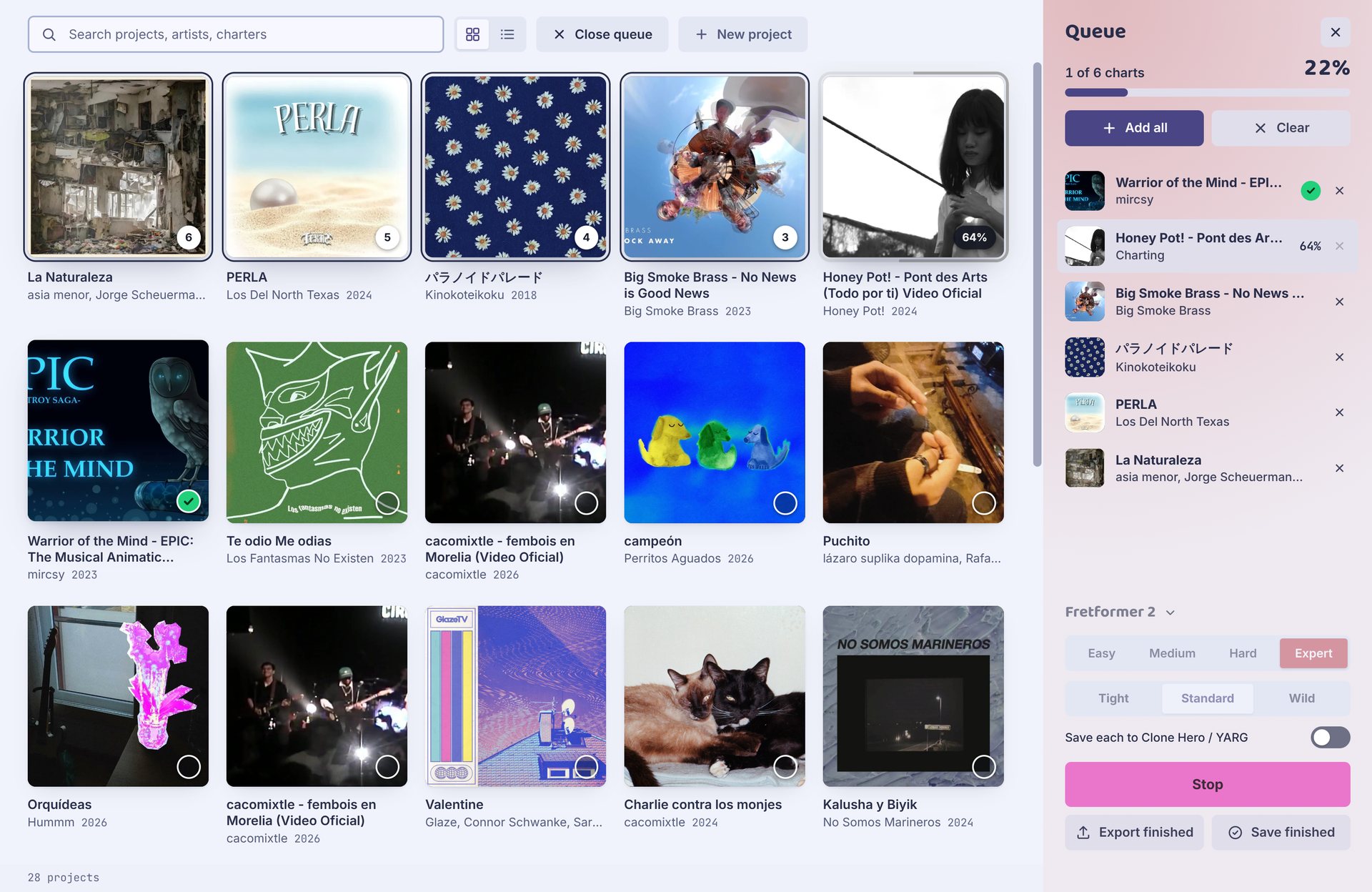
The queue charts a list of songs, one after another. Open Queue, then click songs to add them (Shift-click adds a range).
| Setting | What it does |
|---|---|
| Chart model | The model for every song in the queue. |
| Difficulties | Pick one or more. Each song gets a take for each. |
| Sampling | Tight, Standard or Wild, as in Generate. |
| Save each to Clone Hero / YARG | Saves every finished song to your songs folder as it's done. |
Press Generate to start. You can keep using the app meanwhile, and a take you start in an open project goes ahead of the queue. Stop stops the song being charted; the rest stay waiting for next time. If a song fails, retry it from its row.
When it's done, Export all exports every finished song. A queue that was cut off by closing the app comes back the next time you open it.
Finding a song
Search matches titles, artists and charters. Songs are in order of when they were last changed, newest first. Switch between grid and list view at the top.